
Common Streaming Problems and How to Fix Them (2026 Guide)
By EMTV GENERAL TRADING
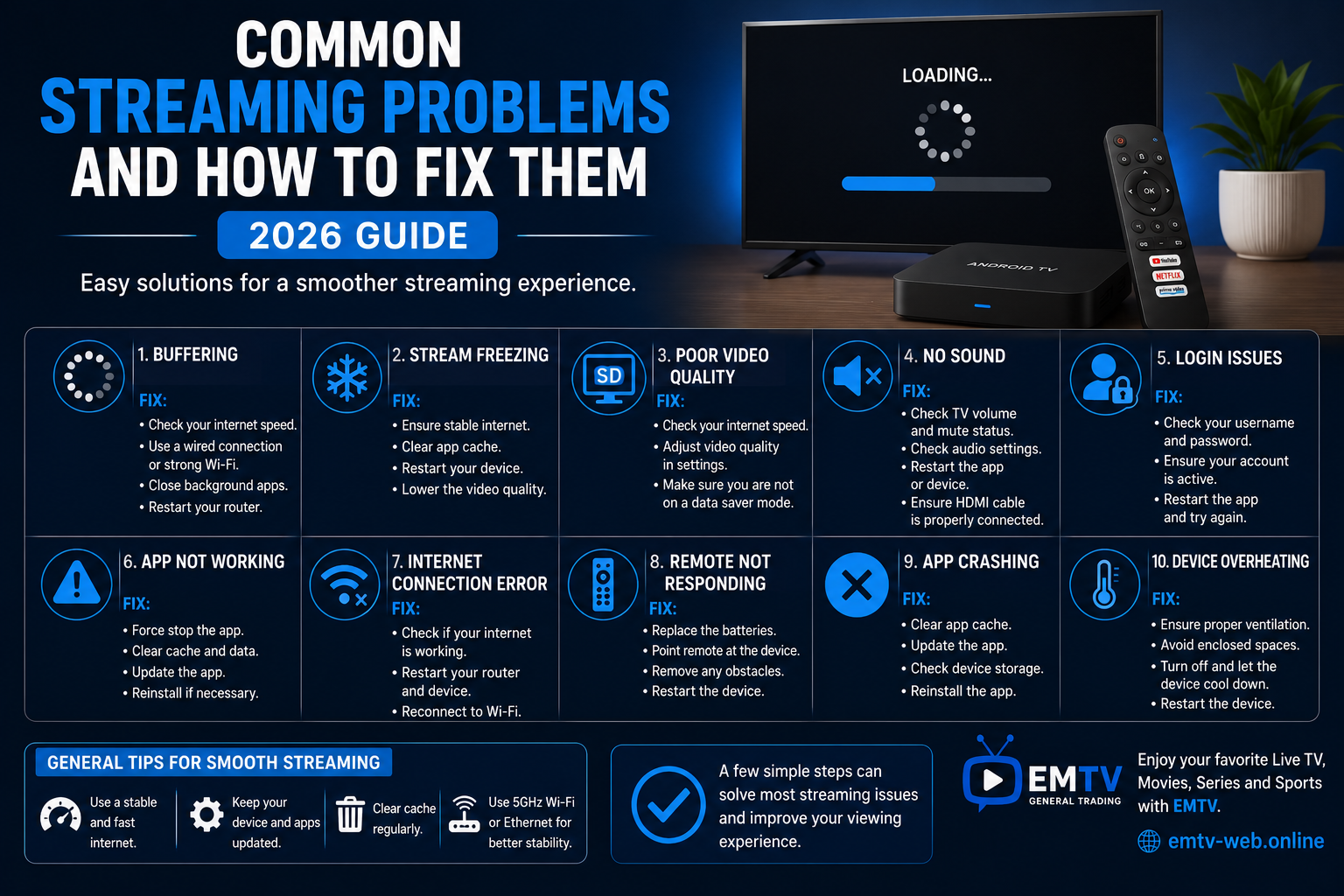
Streaming is one of the easiest ways to enjoy live TV, movies, sports and series. However, even the best streaming setup can occasionally run into problems.
Issues such as buffering, freezing, login errors or poor picture quality are common, but most can be solved with a few simple steps.
In this guide, we'll explain the most common streaming problems and how you can fix them quickly.
1. Buffering
Buffering is the most common streaming issue.
Possible Causes
- Slow internet connection
- Weak Wi-Fi signal
- Network congestion
- Background downloads
How to Fix It
- Test your internet speed.
- Restart your router.
- Move closer to your Wi-Fi router.
- Use an Ethernet cable if available.
- Close other devices using the same internet connection.
2. Stream Freezing
If the picture stops while the audio continues—or both stop completely—the stream may be freezing.
Solutions
- Restart your streaming device.
- Close and reopen the streaming application.
- Clear the application's cache.
- Check your internet connection.
3. Poor Picture Quality
Blurry or pixelated video usually indicates a connection or settings issue.
Solutions
- Increase your internet speed if necessary.
- Select a higher video quality in the app settings.
- Restart your router.
- Ensure your TV supports the selected resolution.
4. No Sound
Sometimes the picture appears correctly but there is no audio.
Try These Steps
- Check your TV volume.
- Ensure mute is turned off.
- Restart the application.
- Check audio settings on your TV or streaming device.
- Reconnect your HDMI cable if necessary.
5. Login Problems
Unable to sign in?
Possible reasons include:
- Incorrect username or password
- Expired subscription
- Internet connection problems
Double-check your login details and ensure your internet connection is working properly.
6. App Not Opening
If the application crashes or refuses to start:
- Restart the device.
- Update the application.
- Clear the app cache.
- Reinstall the application if needed.
Keeping apps updated helps prevent compatibility issues.
7. Internet Connection Errors
A weak or unstable internet connection affects every aspect of streaming.
Improve your connection by:
- Restarting your router.
- Using the 5 GHz Wi-Fi band if available.
- Reducing the number of connected devices.
- Contacting your internet provider if the problem continues.
8. Remote Control Not Responding
If your streaming device doesn't respond to the remote:
- Replace the batteries.
- Restart the device.
- Remove any objects blocking the signal.
- Pair the remote again if required.
9. Slow Device Performance
If menus are slow or apps take a long time to open:
- Remove unused applications.
- Clear temporary files.
- Restart the device regularly.
- Install software updates.
Modern streaming devices perform best when kept clean and up to date.
10. Device Overheating
Streaming devices need proper ventilation.
To avoid overheating:
- Place the device in an open area.
- Keep ventilation holes clear.
- Avoid covering the device while in use.
- Turn it off occasionally to cool down if it has been running for long periods.
General Tips for Better Streaming
To enjoy smoother streaming every day:
- Use a stable, high-speed internet connection.
- Keep your streaming apps updated.
- Restart your router regularly.
- Choose a reliable streaming device.
- Close unnecessary background applications.
- Position your Wi-Fi router for the best signal.
These habits can prevent many common streaming issues before they happen.
Compatible with EMTV
EMTV supports a wide range of streaming devices, including:
- Android TV
- Android TV Boxes
- Fire TV Stick
- Smart TVs
- Android Phones
- iPhone
- Windows PC
- Mac
Using a compatible device and a stable internet connection helps ensure the best possible entertainment experience.
Frequently Asked Questions
Why does my stream keep buffering even with fast internet?
Buffering can also be caused by weak Wi-Fi, heavy network traffic, outdated devices or background downloads. Restarting your router and checking your device settings often helps.
Should I use Wi-Fi or Ethernet?
Ethernet is generally more stable and provides the best performance, especially for HD and 4K streaming. A strong dual-band Wi-Fi connection is also suitable for most users.
When should I restart my streaming device?
Restarting your device once every few days can improve performance by clearing temporary files and refreshing system resources.
Final Thoughts
Most streaming problems are easy to solve with a few simple troubleshooting steps. Keeping your internet connection stable, your apps updated and your device well maintained can greatly improve your viewing experience.
Whether you're watching live sports, movies or TV series, a reliable setup ensures smoother playback and fewer interruptions.
Visit https://emtv-web.online for more streaming guides, installation tutorials and expert tips. You can also request your FREE Trial and discover how EMTV helps you enjoy entertainment across a wide range of compatible devices.
EMTV GENERAL TRADING
Your Entertainment, Our Priority.
Ready to enjoy EMTV?
Pick a package and activate instantly, or test EMTV free for 24 hours on your device.