
How to Fix Buffering While Streaming on Smart TVs (10 Easy Solutions)
By EMTV GENERAL TRADING
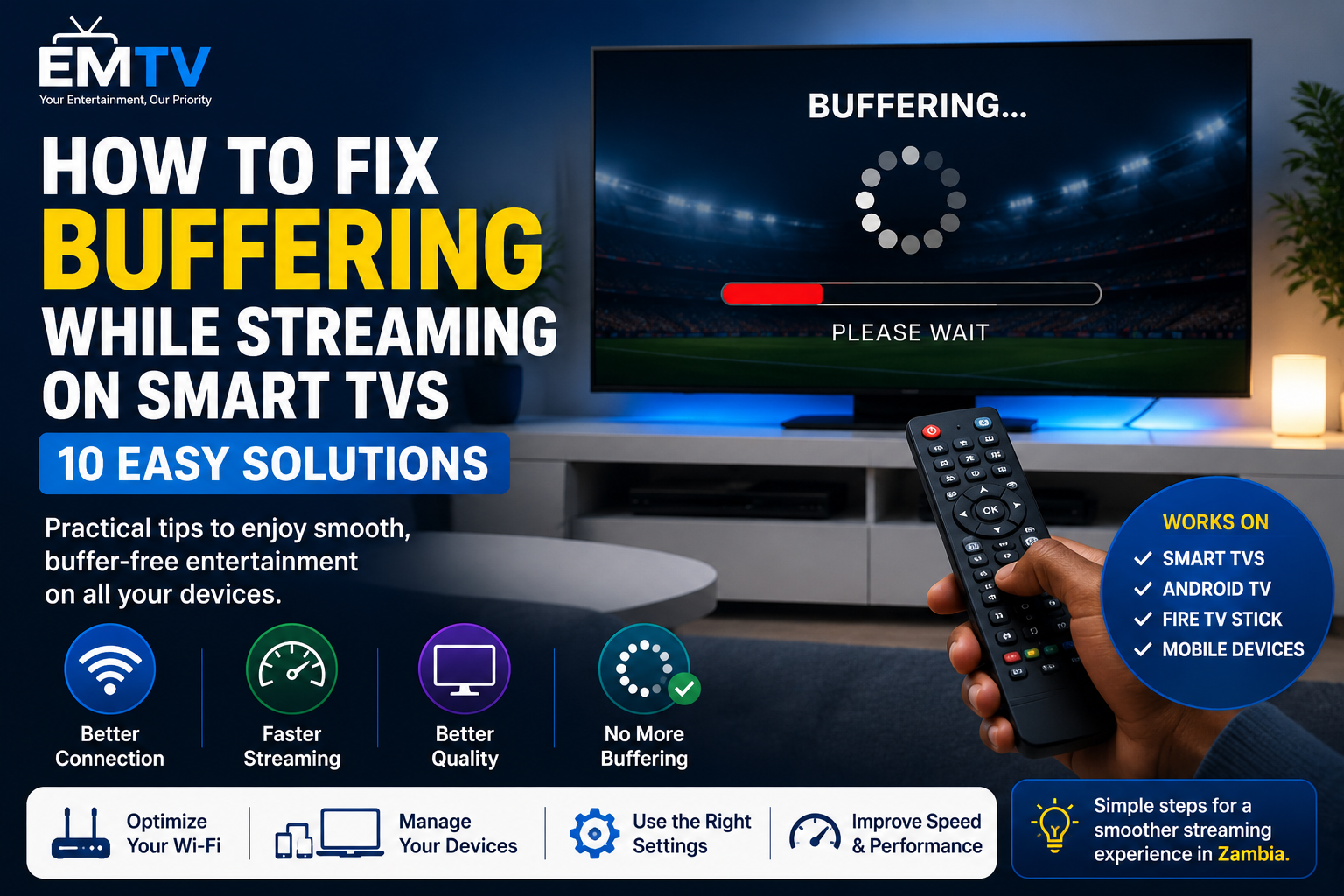
Buffering is one of the most frustrating problems when watching live sports, movies or TV series. Nothing interrupts your entertainment more than a loading circle appearing at the most exciting moment.
The good news is that buffering can often be fixed without buying a new TV or changing your streaming service. In this guide, we'll explain the most common causes of buffering and share 10 simple solutions to help you enjoy smoother streaming on Smart TVs, Android TV, Fire TV Stick, TV boxes, smartphones and tablets.
Why Does Buffering Happen?
Buffering occurs when your device cannot download video data quickly enough to play continuously. This can happen because of a slow internet connection, weak Wi-Fi signal, network congestion or outdated streaming devices.
Understanding the cause is the first step to solving the problem.
1. Check Your Internet Speed
Before trying anything else, test your internet speed.
For smooth streaming, these speeds are recommended:
- 5 Mbps for Standard Definition (SD)
- 10 Mbps for High Definition (HD)
- 15–20 Mbps for Full HD
- 25 Mbps or more for Ultra HD (4K)
If your internet speed is below these recommendations, buffering is more likely.
2. Move Closer to Your Wi-Fi Router
Walls, furniture and long distances reduce Wi-Fi signal strength.
Place your Smart TV or streaming device closer to the router whenever possible, or move the router to a more central location in your home.
3. Restart Your Router
Routers can slow down after running continuously for many days.
Turn off your router for about 30 seconds before turning it back on. This simple step often improves connection stability.
4. Reduce the Number of Connected Devices
If several people are using the same internet connection for downloads, gaming or video calls, your available bandwidth is shared.
Disconnect devices that are not currently in use to improve streaming performance.
5. Close Background Applications
Many Smart TVs, TV boxes and smartphones continue running apps in the background.
Closing unnecessary applications frees up memory and improves overall performance.
6. Keep Your Device Updated
Software updates often include performance improvements, bug fixes and better compatibility with streaming services.
Regularly check for updates on your Smart TV, Android TV, Fire TV Stick or mobile device.
7. Use an Ethernet Cable
If your television supports it, connecting directly to your router with an Ethernet cable provides a faster and more stable connection than Wi-Fi.
This is especially useful for watching live sports or 4K content.
8. Restart Your Streaming Device
A quick restart clears temporary files and refreshes system resources.
If your device has been running for several days, restarting it can noticeably improve performance.
9. Lower the Streaming Quality
If your internet connection is temporarily slow, switching from 4K to HD or from HD to Standard Definition can eliminate buffering while maintaining a good viewing experience.
Most streaming applications allow you to adjust video quality.
10. Use a Reliable Streaming Device
Older streaming devices may struggle with newer applications and high-quality video.
Modern Smart TVs, Android TV devices, TV boxes and streaming sticks generally deliver better performance and smoother playback.
Frequently Asked Questions
Can buffering happen even with fast internet?
Yes. Weak Wi-Fi, outdated hardware, background downloads or temporary network congestion can still cause buffering even if your internet speed is good.
Is Wi-Fi or Ethernet better?
Ethernet provides the most stable connection and is recommended whenever available. Wi-Fi is more convenient but may be affected by distance and interference.
Does restarting my router really help?
Yes. Restarting your router clears temporary network issues and often restores better performance.
Final Thoughts
Most buffering problems can be solved with simple adjustments such as improving your Wi-Fi signal, restarting your router, updating your device or reducing the number of connected devices.
By following these 10 practical solutions, you can enjoy smoother streaming, fewer interruptions and a better entertainment experience on Smart TVs, Android devices, Fire TV Stick, TV boxes and smartphones.
Looking for a reliable entertainment experience across multiple devices? Visit https://emtv-web.online to learn more and request your FREE trial today.
EMTV GENERAL TRADING
Your Entertainment, Our Priority.
Ready to enjoy EMTV?
Pick a package and activate instantly, or test EMTV free for 24 hours on your device.