
How to Improve Your Streaming Experience at Home (2026 Guide)
By EMTV GENERAL TRADING
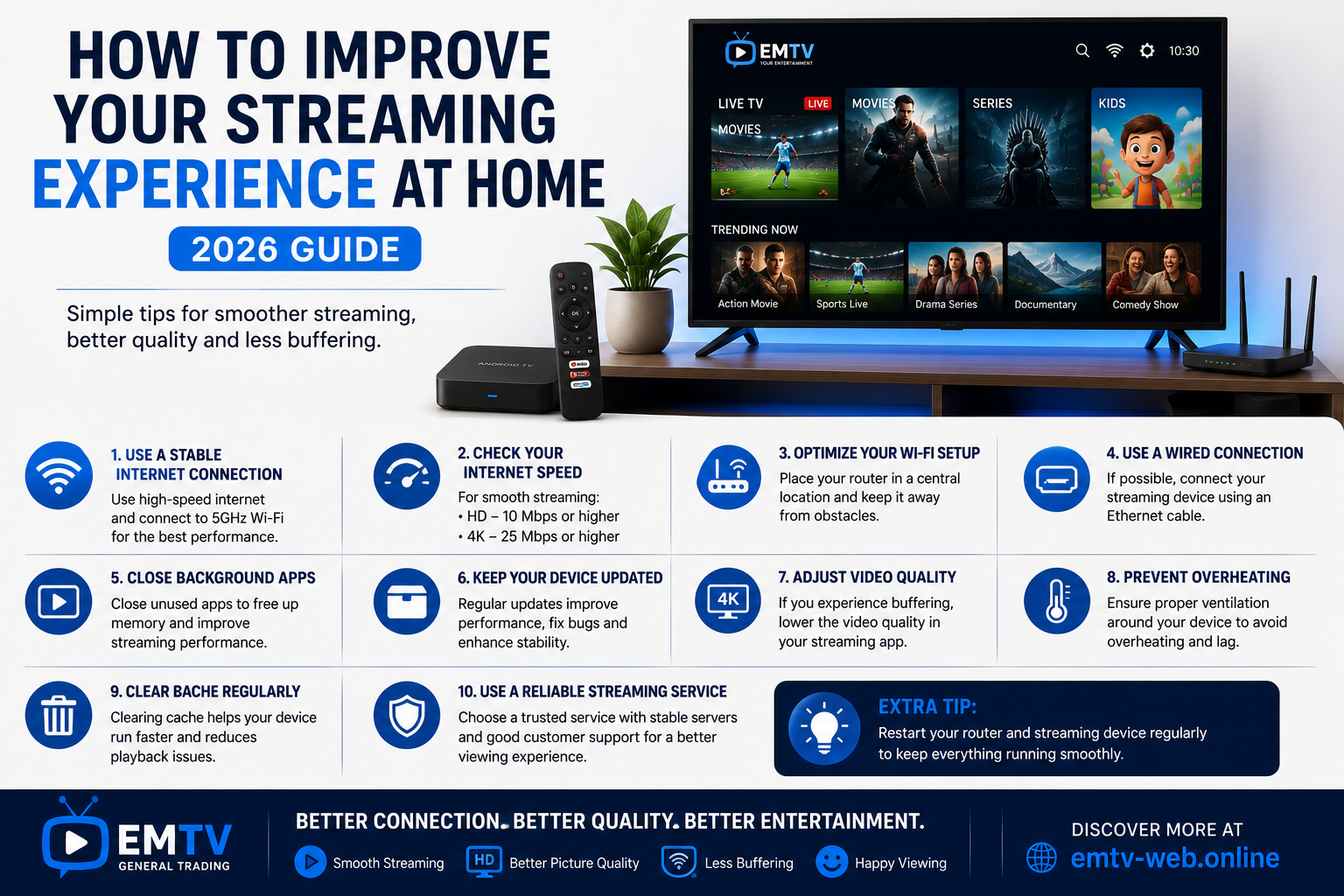
Streaming has become one of the most popular ways to enjoy live TV, movies, sports and series from the comfort of home. However, your experience depends on more than just having a streaming service.
Internet speed, device performance and proper setup all play an important role in delivering smooth, high-quality entertainment.
In this guide, you'll discover practical tips to improve your streaming experience and reduce common problems like buffering, slow loading and poor picture quality.
1. Use a Reliable Internet Connection
Your internet connection is the foundation of a good streaming experience.
For the best results:
Use a stable Wi-Fi connection.
Choose fibre or high-speed broadband if available.
Position your router in a central location.
Avoid placing the router behind walls or large furniture.
A strong internet connection helps reduce interruptions during streaming.
2. Check Your Internet Speed
Different video qualities require different internet speeds.
Recommended minimum speeds:
5 Mbps – Standard Definition (SD)
10 Mbps – High Definition (HD)
15–20 Mbps – Full HD
25 Mbps or more – 4K Ultra HD
If multiple people stream at the same time, consider a faster internet package.
3. Choose the Right Streaming Device
Your streaming device has a big impact on performance.
Popular options include:
Smart TV
Android TV
Android TV Box
Fire TV Stick
Android Phone
iPhone
Windows PC
Mac
Using a modern device helps improve app performance and picture quality.
4. Keep Your Device Updated
Software updates often include:
Performance improvements
Security updates
Bug fixes
Better app compatibility
Regularly checking for updates helps your device run smoothly.
5. Close Unnecessary Background Apps
Running too many apps at once can slow down your streaming device.
Before watching:
Close unused applications.
Restart the device if it has been running for a long time.
Free up memory for smoother playback.
6. Optimize Your Wi-Fi Setup
Small changes to your Wi-Fi setup can make a big difference.
Tips include:
Move the router closer to your streaming device.
Reduce interference from other electronic devices.
Use the 5 GHz Wi-Fi band if your router supports it.
Restart your router occasionally.
7. Use an Ethernet Cable When Possible
If your TV or streaming device has an Ethernet port, a wired connection usually provides:
Greater stability
Lower latency
Faster data transfer
Less buffering
This is especially helpful for live sports and 4K streaming.
8. Adjust Video Quality
If your internet connection slows down, lowering the video quality from 4K to HD or from HD to SD can help maintain smooth playback.
Many streaming apps allow you to adjust video quality in the settings.
9. Keep Your Device Cool
Streaming devices perform better when they have good airflow.
Avoid placing your TV Box or streaming stick in enclosed spaces where heat can build up.
Proper ventilation helps prevent overheating and maintains consistent performance.
10. Choose a Reliable Streaming Service
Even with fast internet and a modern device, the quality of your streaming service matters.
Look for a provider that offers:
Stable servers
High-quality streams
Wide device compatibility
Easy installation
Responsive customer support
A reliable service contributes to a better overall viewing experience.
Compatible with EMTV
EMTV supports a wide range of devices, including:
Android TV
Android TV Boxes
Fire TV Stick
Smart TVs
Android Phones
iPhone
Windows PC
Mac
This flexibility allows you to enjoy your favourite entertainment wherever you prefer to watch.
Frequently Asked Questions
Why does my stream keep buffering?
Buffering is often caused by slow internet speeds, weak Wi-Fi signals, network congestion or outdated devices. Improving your connection and keeping your equipment updated can help.
Is Wi-Fi or Ethernet better?
Ethernet provides the most stable connection for streaming, but a strong dual-band Wi-Fi network also works well for most users.
Do I need a new TV for better streaming?
Not necessarily. Many older televisions can be upgraded with an Android TV Box or Fire TV Stick, providing access to modern streaming features.
Final Thoughts
Improving your streaming experience doesn't always require expensive equipment. A stable internet connection, a capable streaming device and a few simple optimizations can make a significant difference.
By following these tips, you can enjoy smoother playback, clearer picture quality and fewer interruptions while watching your favourite live TV, movies, sports and series.
For more streaming tips, installation guides and device recommendations, visit https://emtv-web.online and explore everything EMTV has to offer.
EMTV GENERAL TRADING
Your Entertainment, Our Priority.
Ready to enjoy EMTV?
Pick a package and activate instantly, or test EMTV free for 24 hours on your device.