
How to Install EMTV on Smart TVs, Android, iPhone & TV Box (Step-by-Step Guide)
By EMTV GENERAL TRADING
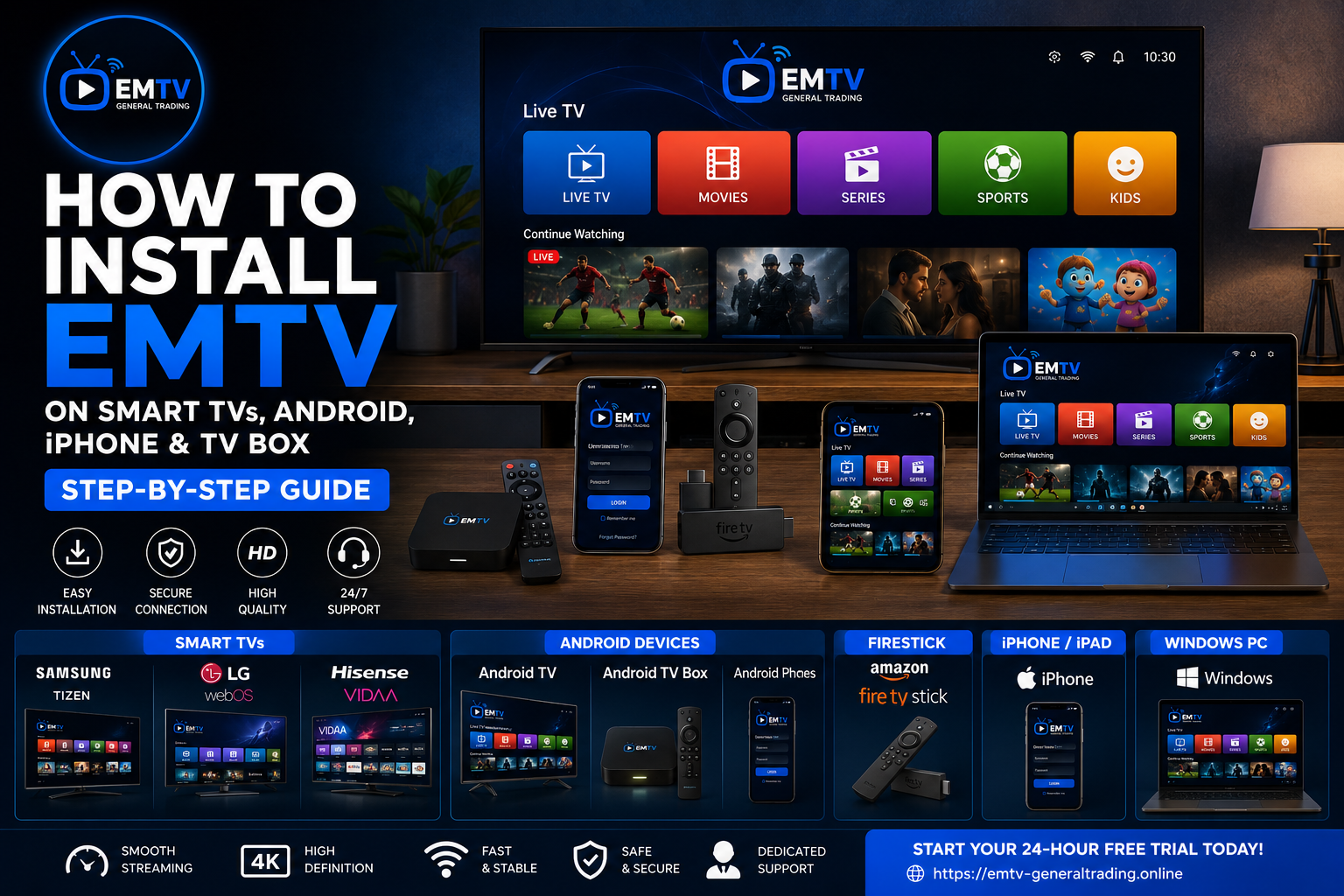
Introduction
Setting up EMTV is quick and simple, allowing you to enjoy live TV, movies, series and sports from almost anywhere in Zambia. Whether you own a Smart TV, Android phone, Android TV Box, Firestick, iPhone or Windows computer, EMTV is designed to provide a smooth entertainment experience.
This guide explains exactly how to install EMTV on supported devices so you can start watching within minutes.
Devices Supported by EMTV
EMTV works on many popular devices, including:
Android Smartphones
Android Tablets
Android TV
Google TV
TV Boxes
Fire TV Stick
Samsung Smart TVs
LG Smart TVs
Hisense VIDAA TVs
iPhone & iPad
Windows PC
Mac Computers
All you need is:
A stable internet connection
A compatible device
An active EMTV subscription
How to Install on Android Phone/TV/TV Box/Firestick
Installing EMTV on Android is very straightforward.
Step 1
Download the DOWNLOADER App from google play store.
Step 2
Open the downloader App on search type code 8184136
Step 3
Click install EMTV PLAYER
Step 4
Open the App and capture the first screen when you open it then send to WhatsApp 0975123229 for activation..
Step 5
Close the app and once the activation is done 1-2 minutes you will be told to open the App and start enjoying.
SAMSUNG SMART TV/LG TV & HISENSE VIDAA
Installation;
Smart TVs support IPTV players compatible with EMTV.
Like: HOT PLAYER /CAP PLAYER, SMARTERS IPTV
After installing the supported player: Capture the first screen on you open the App and send to WhatsApp 0975123229 for activation.
IPHONE/IPAD INSTALLATION
EMTV also works on supported iOS devices.
Simply:
Install the recommended application.
ORA PLAYER From App Store. Open the App chose your interface, skip log in from google then go on settings account info and screen shot. Send the screen shot to WHATSAPP 0975123229 for
Activation.
WINDOWS :
go on App Store install CAP PLAYER/HOT PLAYER open the App capture the first page when u open then send to WhatsApp 0975123229 for activation.
TROUBLE SHO0TING
Tips for the Best Streaming Experience
To enjoy uninterrupted entertainment:
Use a stable internet connection.
Restart your router occasionally.
Keep your streaming device updated.
Close unnecessary background applications.
Restart the application if channels fail to load.
Frequently Asked Questions
Do I need a satellite dish?
No. EMTV streams through the internet.
Can I watch on multiple devices?
Depending on your subscription, you can enjoy EMTV on supported devices using your account.
What internet speed is recommended?
For smooth HD streaming, a stable broadband or mobile internet connection is recommended.
Can I use EMTV while travelling?
Yes. As long as you have internet access and a supported device, you can enjoy EMTV.
Why Choose EMTV?
EMTV offers a premium entertainment experience designed for modern viewers.
Benefits include:
Live TV
Movies
Series
Sports
Family entertainment
Fast activation
Works on multiple devices
Reliable customer support
Start Watching Today
Ready to enjoy premium entertainment?
Visit the EMTV Payment Portal to view available packages and subscribe online.
You can also start with a FREE 24-Hour Trial if you're a new customer.
EMTV GENERAL TRADING
Your Entertainment. Our Priority.
Ready to enjoy EMTV?
Pick a package and activate instantly, or test EMTV free for 24 hours on your device.