
What Internet Speed Do You Need for Smooth Streaming in Zambia? (2026 Guide)
By EMTV GENERAL TRADING
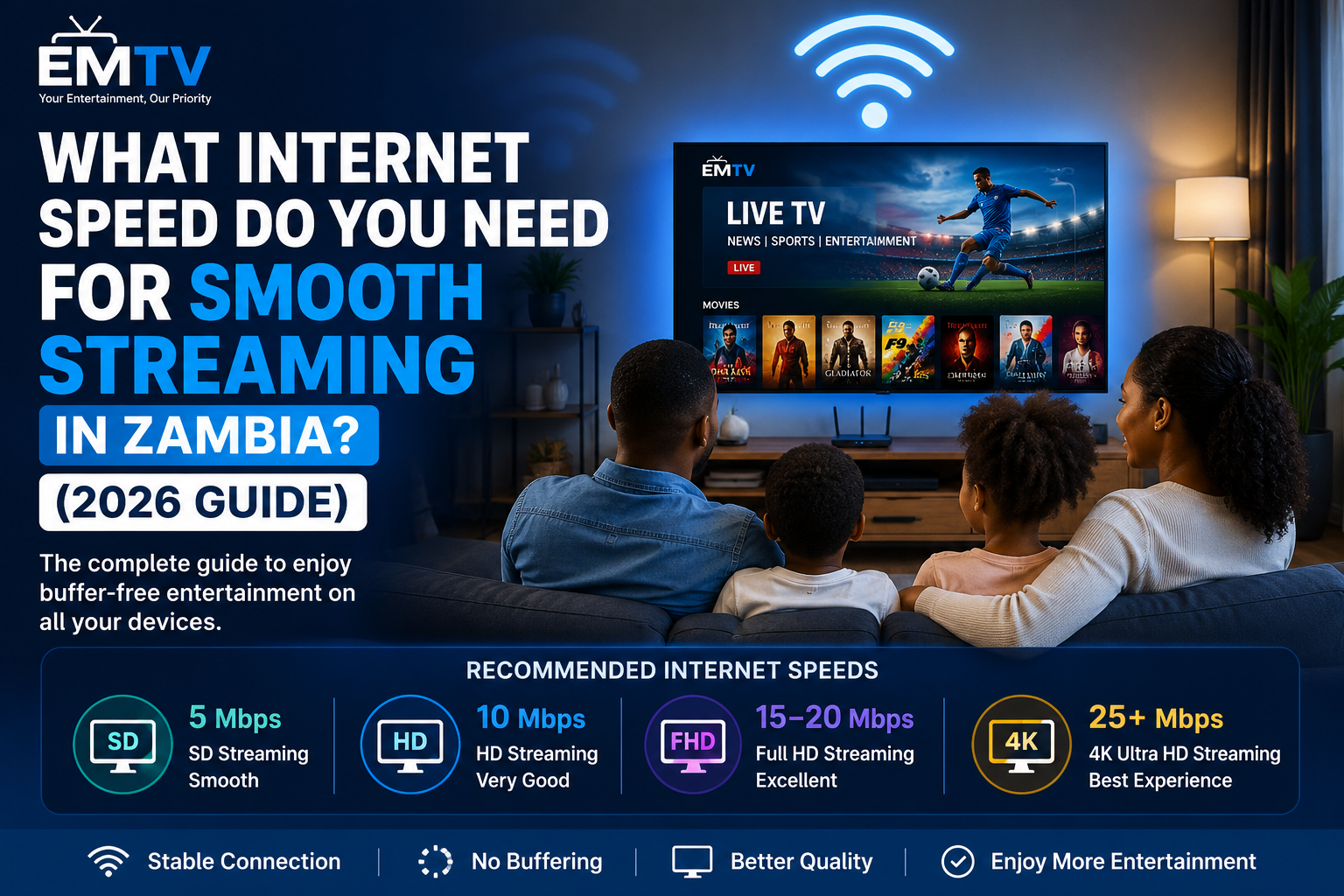
Have you ever settled down to watch your favourite football match, movie or TV series only to experience constant buffering? In many cases, the problem isn't your television or streaming app—it's your internet connection.
The good news is that you don't always need extremely fast internet to enjoy quality entertainment. Understanding the right internet speed for your household can make a big difference to your viewing experience.
In this guide, we'll explain the internet speeds recommended for streaming in Zambia and share practical tips to help you enjoy smooth entertainment on Smart TVs, Android devices, iPhones and TV boxes.
Why Internet Speed Matters
Streaming services continuously download video while you're watching. If your internet connection cannot keep up with the quality of the video, you'll experience:
Frequent buffering
Low video quality
Audio delays
Freezing during live events
Interrupted viewing
A stable connection is often just as important as a fast one.
Recommended Internet Speeds
Standard Definition (SD)
Recommended Speed: 5 Mbps
Suitable for:
Older TVs
Mobile phones
Casual viewing
If you're watching alone and don't mind standard picture quality, 5 Mbps is usually enough.
High Definition (HD)
Recommended Speed: 10 Mbps
Suitable for:
Smart TVs
Android TV Boxes
Tablets
Laptops
HD provides a much sharper picture and is ideal for everyday entertainment.
Full HD (1080p)
Recommended Speed: 15–20 Mbps
Ideal for:
Sports
Movies
TV Series
Family viewing
This is the recommended option for most homes in Zambia.
Ultra HD (4K)
Recommended Speed: 25 Mbps or higher
Perfect for:
Large Smart TVs
Premium home entertainment
High-quality sports and movies
For the best experience, use fibre internet whenever possible.
Common Causes of Buffering
Even with good internet, buffering can still happen because of:
Weak Wi-Fi signal
Too many devices using the same connection
Old routers
Background downloads
Peak internet usage times
Poor network coverage
Improving these factors can often solve streaming problems without upgrading your internet package.
Mobile Data vs Home Wi-Fi
Both options work well for streaming, but they each have advantages.
Mobile Data
Best for:
Phones
Tablets
Travelling
Pros:
Portable
Easy to set up
No installation required
Home Wi-Fi
Best for:
Smart TVs
Families
Watching on multiple devices
Pros:
More stable
Better for long viewing sessions
Supports several users at once
Tips for Better Streaming
To enjoy smoother streaming:
Place your Wi-Fi router near your TV.
Restart your router regularly.
Close apps using the internet in the background.
Limit large downloads while streaming.
Use a modern Smart TV or streaming device.
Connect with an Ethernet cable if available for maximum stability.
Choosing the Right Device
A good internet connection works best when paired with a reliable streaming device.
Popular options include:
Android TV
Android TV Box
Hisense VIDAA TV
LG Smart TV
Samsung Smart TV
Amazon Fire TV Stick
Android smartphones
iPhone
Windows PC
Keeping your device updated also improves streaming performance.
Frequently Asked Questions
Is 10 Mbps enough for streaming?
Yes. One HD stream usually works well on a stable 10 Mbps connection.
Can I stream using mobile data?
Yes. Mobile data works well, especially on phones and tablets, although heavy streaming may use a significant amount of data.
Why does my video buffer even with fast internet?
Buffering can be caused by Wi-Fi interference, network congestion, outdated equipment or too many connected devices—not just internet speed.
Final Thoughts
Enjoying smooth streaming doesn't always require the fastest internet available. For most households in Zambia, a stable connection between 10 Mbps and 20 Mbps provides an excellent experience for HD entertainment, while 25 Mbps or more is recommended for 4K viewing.
Combining a reliable internet connection with a quality streaming device helps reduce buffering and delivers a better viewing experience for sports, movies, TV series and live entertainment.
If you're looking for a simple entertainment solution that works across Smart TVs, Android devices, iPhones and TV boxes, visit https://emtv-web.online to learn more and request your free trial.
EMTV GENERAL TRADING
Your Entertainment, Our Priority.
Ready to enjoy EMTV?
Pick a package and activate instantly, or test EMTV free for 24 hours on your device.